Print Sudoku — Choose Your Sheet
Pick a difficulty and a layout, then click — your sudoku to print is one page away, free with answers included. The puzzle you see in the preview is the exact one you'll print.
Your sample sheet — a fresh puzzle every time you visit.
Large print
Choose puzzles per page
More printable sudoku
All printable sheets
How to print sudoku puzzles
Printing a sudoku from here takes about a minute. Pick a difficulty and a layout above, click through to the sheet, then print it or save it as a free PDF. Here's how to get a clean, easy-to-solve page every time.
Print a sudoku in four steps
1. Choose your difficulty
Pick the level that suits you, from easy through to evil. Easy sheets solve with simple scanning, while harder ones ask for techniques like pointing pairs and hidden pairs. Not sure where to start? Easy or medium is the friendliest place to begin.
2. Choose your layout
Decide how many puzzles you want on each page — 1, 2, 4 or 6. One per page gives you the biggest, most comfortable grid. Four or six per page fit more puzzles on a single sheet, which is handy for a class, a long trip, or saving paper.
3. Print or save the PDF
On the sheet, click Print to send it straight to your printer, or Save as PDF to keep a clean A4 or US Letter file for later. There's no sign-up and no watermark, so print as many as you like.
4. Get the answers
Want to check your work? Turn on “Include solutions” to add an answer page to your PDF, or scan the QR code printed on every sheet to open the exact solutions online — no typing needed.
Print settings for the best result
For a crisp grid, set the scale in your print dialog to “Actual size” or 100%, not “Fit to page”. Fit-to-page can stretch or shrink the grid and throw the lines off. Both A4 and US Letter work — our sheets are built to print cleanly on either, so just pick the paper your printer holds.
Saving paper and ink
Every sheet prints in plain black and white, so you don't need colour ink. To stretch a cartridge further, choose “Black and white” or “Grayscale” in your printer settings, or switch on draft / economy mode. Printing 4 or 6 puzzles per page is the easiest way to fit more solving onto fewer sheets.
More ways to print
After a bigger session? Build a multi-puzzle printable sudoku booklet with a cover and answers in the back. Prefer roomy, easy-to-read grids? Try large print sudoku. Or print today's puzzle on the daily sudoku page.
All printable sudoku sheets
Every printable in one place — browse the full library by difficulty, layout, large print, audience packs, booklets and daily puzzles, then print free PDFs with answers.
- Printable Easy 9×9 Sudoku
- Printable Medium 9×9 Sudoku
- Printable Hard 9×9 Sudoku
- Printable Expert 9×9 Sudoku
- Printable Master 9×9 Sudoku
- Printable Evil 9×9 Sudoku
- Printable Mini Sudoku (6×6)
- Printable Sudoku for Kids
- Large Print Sudoku — Easy to Read & Print
- Large Print Easy Sudoku
- Large Print Medium Sudoku
- Large Print Hard Sudoku
- Sudoku for Seniors
- Sudoku for Teachers & Classrooms
- Printable Sudoku Booklet Builder
- Easy Sudoku Book — 100 Printable Puzzles
- Medium Sudoku Book — 100 Printable Puzzles
- Hard Sudoku Book — 100 Printable Puzzles
- Expert Sudoku Book — 100 Printable Puzzles
- Master Sudoku Book — 100 Printable Puzzles
- Evil Sudoku Book — 100 Printable Puzzles
- Large Print Sudoku Book
- Sudoku Book for Beginners
- Sudoku Activity Book for Kids
- Printable Daily Sudoku — Today's Puzzle
- Daily Easy Sudoku — Today's Puzzle
- Daily Medium Sudoku — Today's Puzzle
- Daily Hard Sudoku — Today's Puzzle
- Daily Expert Sudoku — Today's Puzzle
- Daily Master Sudoku — Today's Puzzle
- Daily Evil Sudoku — Today's Puzzle
Print sudoku FAQs
- How do I print a sudoku from this page?
- Choose a difficulty and a layout, then click — the landing page opens with your puzzle ready. Print it there, or save it as a free PDF.
- Do the sheets come with answers?
- Yes. To print sudoku with answers, turn on “Include solutions” for an answer page in your PDF, or scan the QR code on every printed sheet to open the exact solutions online.
- Can I print several puzzles on one page?
- Yes — pick 1, 2, 4 or 6 per page. One per page gives the biggest grid, while the 4-per-page layout fits a small group on a single sheet.
More from the blog
Blog →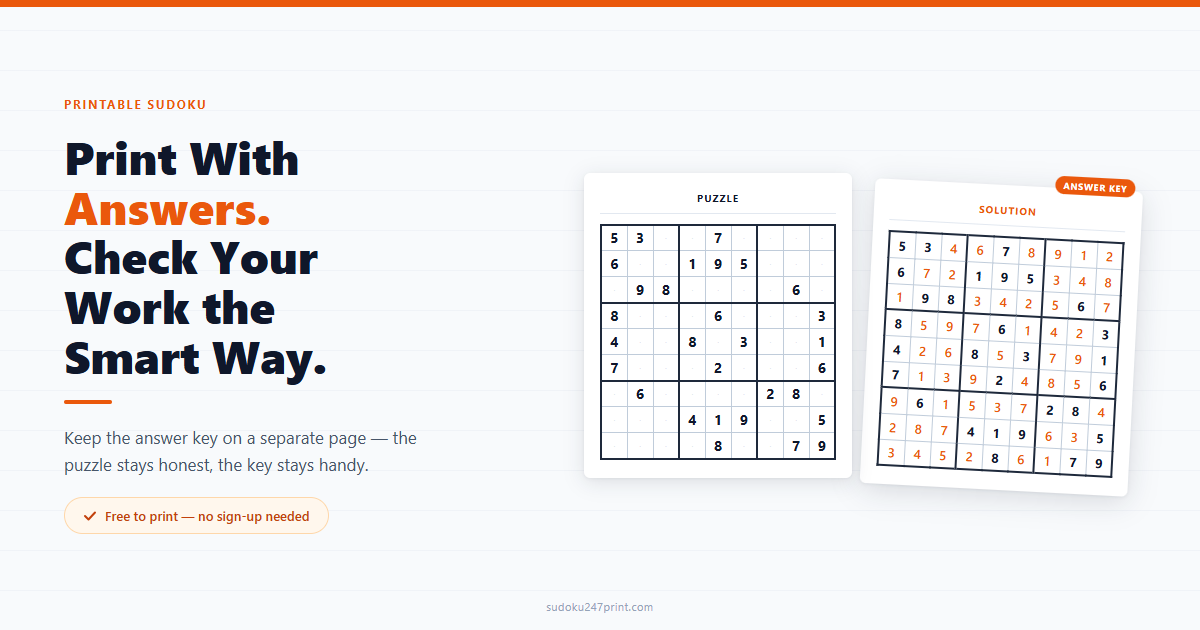 Printable Sudoku With Answers: How to Use the Answer KeyHow to use printable sudoku with answers: print the key separately, check your work the smart way, and grab a free booklet with solutions included.Read article →
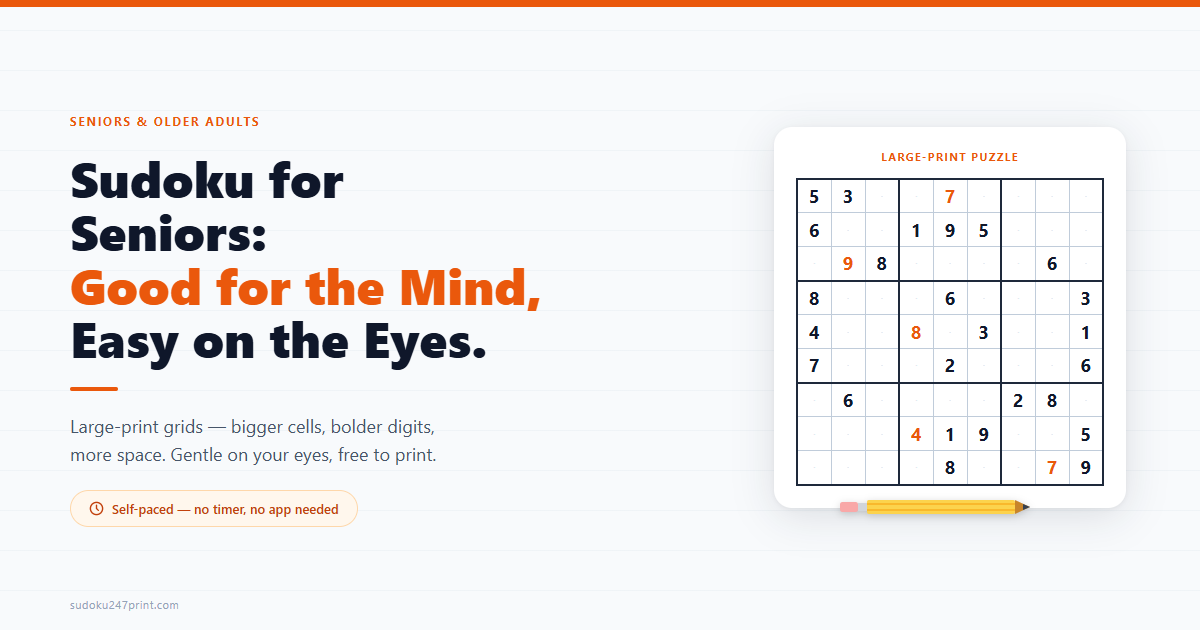 Sudoku for Seniors: Benefits & Easy Large-Print PuzzlesIs sudoku good for seniors? See the real (honestly cited) brain-health benefits, plus free easy, large-print puzzles that are gentle on the eyes.Read article →
How to solve these
New to a technique? Read the step-by-step rules and solving guides.
Read the guide →Prefer to play on screen?
Play the same puzzles online — track XP, streaks and challenge friends.
Play online →